Manage your entire team in one app
Deskless teams kept connected in one app, so you can focus on growing the business
Employee onboarding
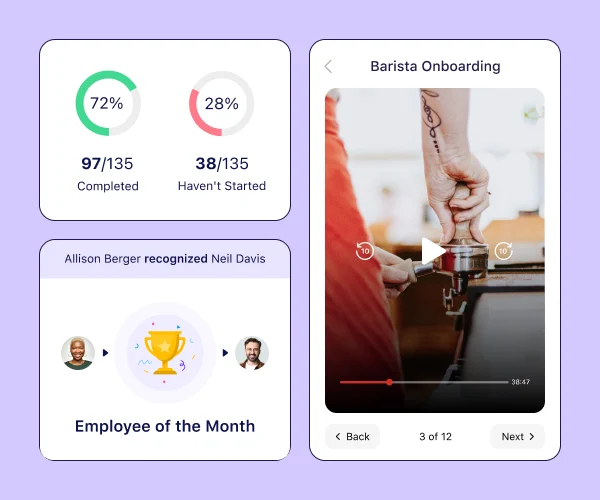
Mobile induction enhancing employee experience
Induct new non-desk hires from their mobile devices to enhance employee experience, uploading relevant certificates and license ready for approval
- Paper free onboarding
- Mobile experience
Scheduling & time tracking
Full control, from scheduling to payroll
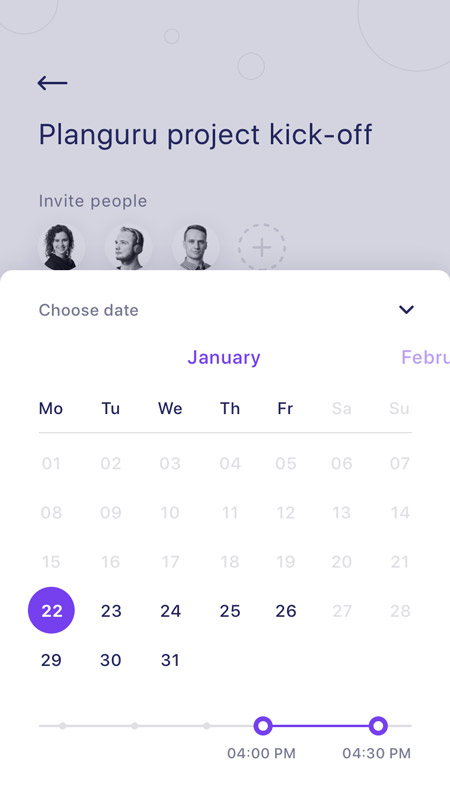
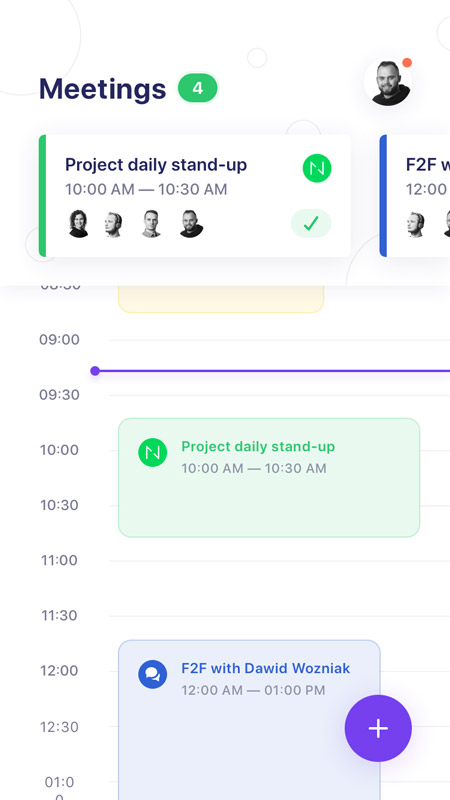
Easily create & send schedules, accurately track work hours to digital timesheets, and get pay right, time and again
- Time Clock
- Geofence
- Payroll
Connect and Sync
One channel to work better together
Multiple tools to connect every single employee and make sure the right information reaches them, wherever they are
- Work chat
- Company updates
- Training
- Events
- Recognition and Rewards
Find out more
Frequently asked questions
Do you offer a free trial?
Yes everyone gets a 14-day free trial to use Troop's clock features. After the trial ends, you can opt for the free-for-life plan or subscribe to a premium plan to continue using all of the Time Clock features Troop offers.
What are the benefits of using Troop's clock app?
Easily schedule employees using recurring shifts
Ensure employees are only clocking in from the job site to eliminate time theft using our Breadcrumbs feature
Track employee location while clocked in to prevent buddy punching
Manage overtime with customizations such as daily time limits, auto-clock out, and overtime pay rates
Export timesheets for easy and error-free payroll processing
Communicate with your employees directly
Create shift attachments like tasks, location of worksite, notes, and more
Keep easy to find records, as required by law, of all employee timesheets

Can I be alerted when someone is late for work?
Yes! Troop gives you several options to receive alerts. Whether you want to be alerted in real-time once someone is late for work so you can immediately get in touch or prefer to get an automatic daily report emailed to you – Troop can fit your needs. *Pro Tip: Switch on daily reminders so your users never forget to clock in!
How can I track and manage employee time off?
Employee time off requests, balances, and policy management are all part of the Time Off product (included in the HR Hub).
Can employees and managers view and approve timesheets through the app?
Yes. You can even set up automatic reminders for them to do so before every payroll period.
Does Connecteam also produce a report of hours worked for each client/site/project?
Yes. You can set up your account so every hour is allocated towards a specific job, which can be a client or project. Troop will automatically produce reports of hours worked for each job, so all that’s left for you to do is sit back and relax.